Noticing your Arlo camera flashing blue can be confusing, as it indicates a status or error condition that may require attention. Arlo cameras are known for their reliability and advanced features in home security monitoring, but encountering errors like a flashing blue light can be a question of the camera's functionality. Understanding the importance of the blue flashing light and its possible causes is important for correcting the issue effectively.
Are you wondering Why Is My Arlo Camera Flashing Blue? Well, by identifying common reasons, you can take appropriate steps to fix the flashing blue light on your Arlo camera, and in this blog, we’ll provide you with some possible solutions to fix this issue.

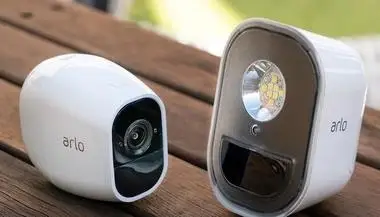
So, now you know the reason why blue LED light flashes on your Arlo camera. Blue light blinking on your Arlo camera can have multiple meanings. The rate at which the blue LED light blinks reflects the status of your Arlo camera.
More Arlo Camera Guides -
How can I Extend My Arlo Camera Battery Life?
How to Set up an Arlo Baby Camera?
How to Fix Arlo Camera Offline?
How do I Integrate Arlo Cameras into the Wink App?
How do I Position My Arlo Wire-Free Camera?
Q1. Is it normal for my Arlo camera to flash blue continuously?
Ans: A brief blue flash on an Arlo camera is normal and indicates that the camera detected motion or is being accessed for live viewing through the app. However, if the camera is flashing blue continuously without stopping, it usually means the camera is stuck in pairing mode or is having trouble connecting to the Arlo base station or WiFi. Try moving the camera closer to the base station or router and sync it again by pressing the Sync button on both the base station and the camera. If continuous blue flashing persists, remove the battery for 30 seconds, reinsert it, and try the sync process again.
Q2. Is a fast blinking blue light on Arlo different from a slow blinking blue light?
Ans: Yes, the blink speed means different things. A slow blinking blue light means the camera is in pairing mode and waiting to be connected to the base station or your WiFi network through the Arlo app. A fast blinking blue light usually means the camera is currently syncing with the base station or processing a firmware update. If the fast blue blink continues for more than 5 minutes without stopping, try moving the camera closer to the base station and restarting both devices. A solid blue light means the camera is successfully connected and working normally.
 Published by: Jorg Brand: Arlo Doorbell Last Update: 2 weeks ago Reading Time: 3 min
 Related Blogs
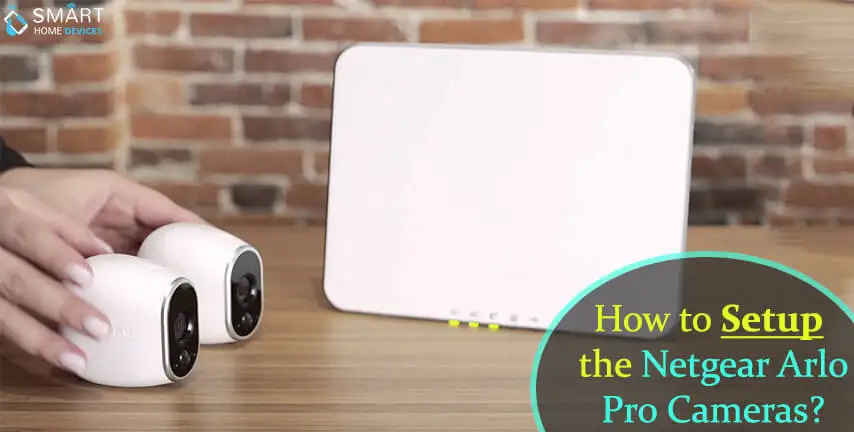
How to Setup the Netgear Arlo Pro Cameras?
Jun 13, 2025
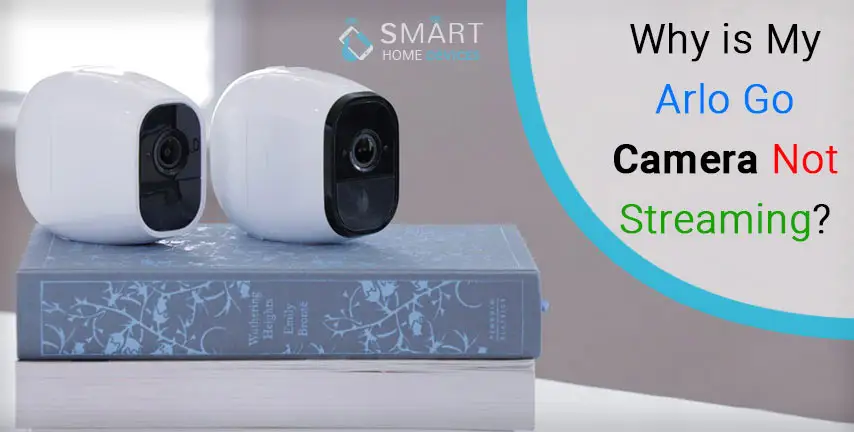
Why is My Arlo Go Camera Not Streaming?
Jun 16, 2025
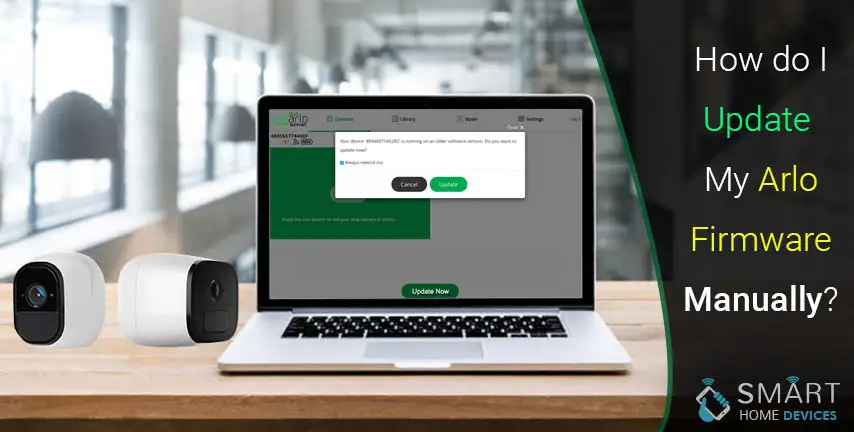
How do I Update My Arlo Firmware Manually?
Jun 16, 2025
How To Save Video from Arlo camera To Computer?
Jun 16, 2025
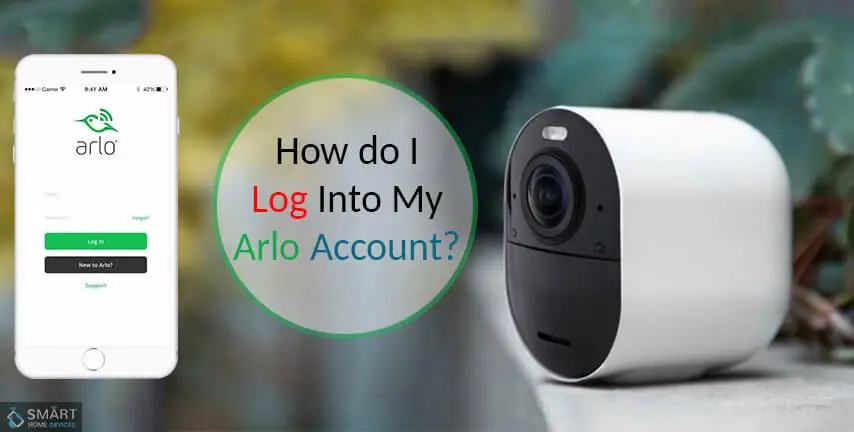
How Do I Log into My Arlo Account?
Jun 17, 2025
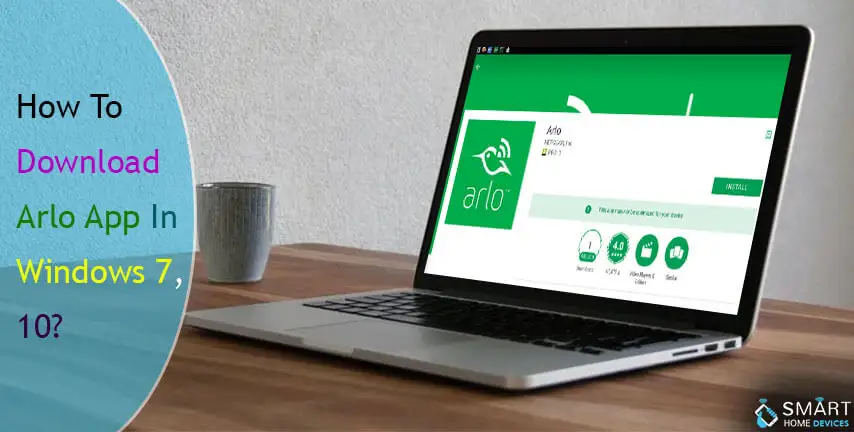
How to Download Arlo App in Windows 7, 10?
Jun 18, 2025
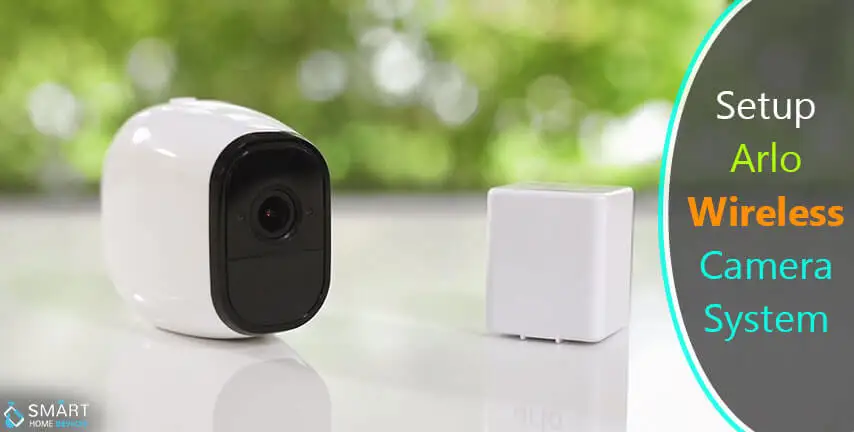
How to Set Up Arlo Wireless Camera System?
Jun 18, 2025
© 2026 SmartDevicesHelp.com. All Rights Reserved.
Top Searches in arlo doorbell